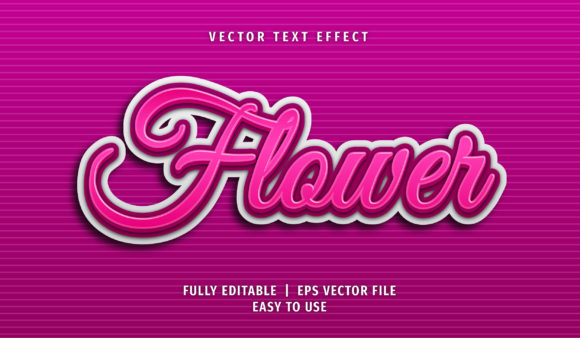
Flower Text Style: Creative Typography for Adobe Illustrator
Typography is more than just arranging letters—it’s about making your message stand out. One of the most captivating ways to do this in Adobe Illustrator is through the Flower Text Style. This unique text effect transforms simple text into a floral masterpiece, adding elegance and visual interest to any design project. Whether you're working on branding materials, social media graphics, or print designs, the Flower Text Style can help elevate your creative output with minimal effort.
What Is the Flower Text Style?
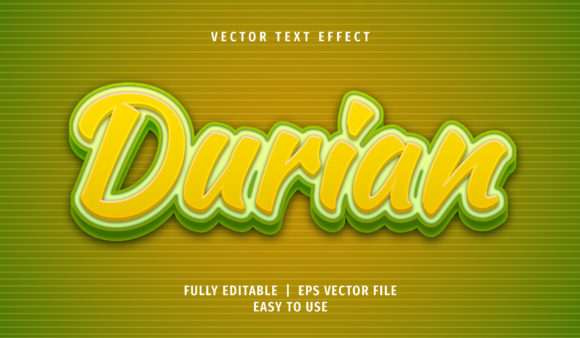
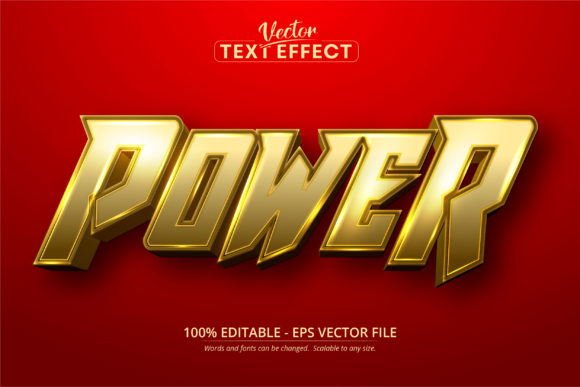
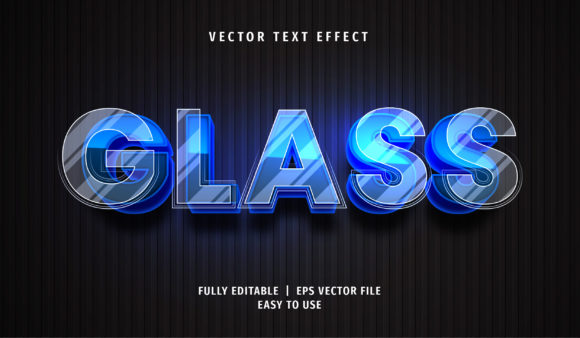
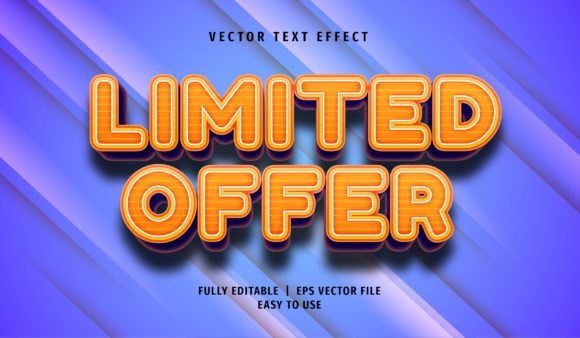
The Flower Text Style is a pre-built graphic effect in Adobe Illustrator that allows users to apply intricate floral patterns directly onto text. These effects are typically provided in AI or EPS formats, which are fully editable and scalable. Once applied, the style wraps flower motifs around the characters, turning ordinary words into stunning visuals without requiring advanced illustration skills.
One of the key features of these files is their compatibility with Adobe Illustrator CS6 and newer versions. Users can open them, adjust colors, fonts, and layout—all while maintaining the integrity of the design. The file format also includes an image preview in JPG, so you can see how it looks before diving into editing. Plus, since the layers are well-organized, even beginners can navigate and modify them with ease.
Why It Matters to Different Audiences
While the Flower Text Style may seem like a fun design element at first glance, its value varies depending on who's using it. Let’s explore how different professionals and hobbyists might benefit from it:
For Beginners: A Gateway to Professional-Looking Designs
If you’re new to Adobe Illustrator, the Flower Text Style can be a great starting point. You don’t need to know how to draw flowers or create complex vector art—just select the text and apply the style. This makes it ideal for creating greeting cards, Instagram posts, or blog headers with flair.
Example: A beginner blogger wants to add some personality to their post titles. They download the Flower Text Style, open the AI file, and instantly see how they can transform phrases like “Spring Has Sprung” into a blooming headline.
For Design Professionals: Streamlining Creativity
Graphic designers often need to produce high-quality work quickly. The Flower Text Style offers a ready-made solution that maintains professionalism while saving time. Since the file is 100% scalable and fully editable, it adapts easily to client needs without compromising quality.
Example: A freelance designer is working on a boutique logo. Instead of spending hours drawing floral accents by hand, they use the Flower Text Style to integrate elegant typography seamlessly into the brand identity.
For Marketers and Entrepreneurs: Standing Out in Visual Content
In the world of marketing, attention-grabbing visuals are essential. The Flower Text Style provides a way to make promotional content pop—especially for businesses in industries like fashion, beauty, wellness, and lifestyle. Its eye-catching nature helps reinforce brand aesthetics and differentiate campaigns from competitors.
Example: A small business owner promoting a spring sale uses the Flower Text Style to design social media banners. The floral typography gives their ads a fresh, inviting look that aligns perfectly with the seasonal theme.
For Educators and Presenters: Enhancing Visual Learning
Educators and presenters can leverage the Flower Text Style to make educational materials more engaging. From classroom posters to PowerPoint slides, floral text adds a decorative yet informative touch that can help capture students’ attention and support visual learning.
Example: A teacher creates a science poster about plant biology using the Flower Text Style for the title. The design not only attracts students but also ties thematically to the subject matter.
For Hobbyists and DIY Enthusiasts: Adding Personal Touches
Craft lovers and DIY creators often seek ways to personalize their projects. The Flower Text Style is perfect for scrapbooking, handmade invitations, or custom T-shirt prints. With no font installation required, users can experiment with various styles and customize them as needed.
Example: A hobbyist making wedding invitations uses the Flower Text Style to design a romantic header. They tweak the colors to match the couple’s wedding palette, resulting in a one-of-a-kind design that feels both professional and personal.
Key Features That Make It Accessible and Powerful
One of the standout aspects of the Flower Text Style is its user-friendly approach. Here are some of the core benefits that make it appealing across skill levels:
- Easy to Modify: Just click the Graphic Styles panel to apply the effect. Adjustments can be made quickly without needing to redraw elements.
- No Font Installation Required: Even if the font isn’t installed on your system, you can still view and edit it in Adobe Illustrator via the Character panel.
- Scalable and Print-Ready: Being 100% scalable means you can resize the design for anything from a business card to a billboard without losing quality.
- Layer Organization: The structure of the AI/EPS file ensures that every element is easy to access and customize, reducing frustration during the editing process.
How to Use the Flower Text Style Effectively
Using the Flower Text Style involves a few straightforward steps. First, download the AI or EPS file and open it in Adobe Illustrator. Then, locate the Graphic Styles panel and apply the effect to your chosen text. You can then fine-tune the appearance by changing colors, adjusting spacing, or modifying the flower details using direct selection tools.
Since the text remains editable, you can swap out the original text for any other phrase you want. This flexibility makes it suitable for a wide range of applications—from event signage to product packaging.
Prioritizing Your Needs: Who Should Consider Using It?
Not every design tool suits every user. Here’s a quick breakdown of how different priorities might influence whether the Flower Text Style is right for you:
- Beginners: If you want to enhance your designs without mastering advanced techniques, this is a great option.
- Professionals: When speed and presentation are key, using pre-designed styles like this can streamline your workflow.
- Business Owners: If you aim to create visually compelling content for marketing, this can be a cost-effective resource.
- Consumers & Hobbyists: For those looking to add creativity to personal projects, the Flower Text Style provides an accessible way to achieve professional results.
- Freelancers: If you're seeking long-term usability and adaptability in your design assets, this style is worth considering.
Real-World Applications and Examples
Let’s take a closer look at how the Flower Text Style can be used in practical scenarios:
Web Design
Use it for headings on websites or landing pages related to natural products, eco-friendly brands, or botanical themes. The floral aesthetic enhances the site’s visual appeal and reinforces the brand’s identity.
Print Media
This effect is excellent for print materials like brochures, flyers, or magazine covers. The clean vectors ensure crisp printing, and the floral motif adds a layer of sophistication.
Social Media Graphics
Marketers and influencers can use the Flower Text Style to create themed content for platforms like Instagram, Pinterest, or Facebook. Floral typography fits beautifully with lifestyle, travel, or fashion content.
Event Decorations
Weddings, baby showers, or garden parties benefit from floral designs. Apply the style to banners, table signs, or invitations to give the event a cohesive and elegant look.
Editorial Work
Magazines and blogs focused on nature, gardening, or mindfulness can incorporate the Flower Text Style into article headers or pull quotes. It adds a soft, artistic feel that complements the content’s tone.
Is the Flower Text Style Right for You?
Consider asking yourself a few questions to determine if this effect fits your goals:
- Do I need a quick way to add visual flair to my text-based projects?
- Am I working on something that benefits from a natural or floral theme?
- Would I prefer a ready-to-use effect rather than building one from scratch?
- Do I want full control over colors, fonts, and layout after applying the style?
- Will I be using this for commercial purposes or personal creations?
If you answered yes to any of these, the Flower Text Style could be a valuable addition to your design toolkit. It’s particularly useful for anyone who values efficiency, creativity, and customization in their workflow.
Final Thoughts on Flexibility and Value
Design tools like the Flower Text Style offer more than just visual enhancement—they provide opportunities for innovation and expression. Whether you're designing for clients, events, or your own passion projects, the ability to create beautiful, customizable text quickly is a major advantage.
Its combination of ease of use, scalability, and stylistic versatility makes it a go-to choice for many. But beyond the technical specs, what really matters is how it serves your specific purpose. Think about your next project and ask: Could a floral twist on typography help communicate my message better? If the answer is yes, it might be time to explore the possibilities with the Flower Text Style.